 Boppoby SZ
If you need an English word halfway through a Chinese sentence, just type it. You don't have to switch input methods.
Apple Silicon · macOS 14+ · one-time purchase
Under each word are the keys that typed it. The input method never changed.
It decides key by key
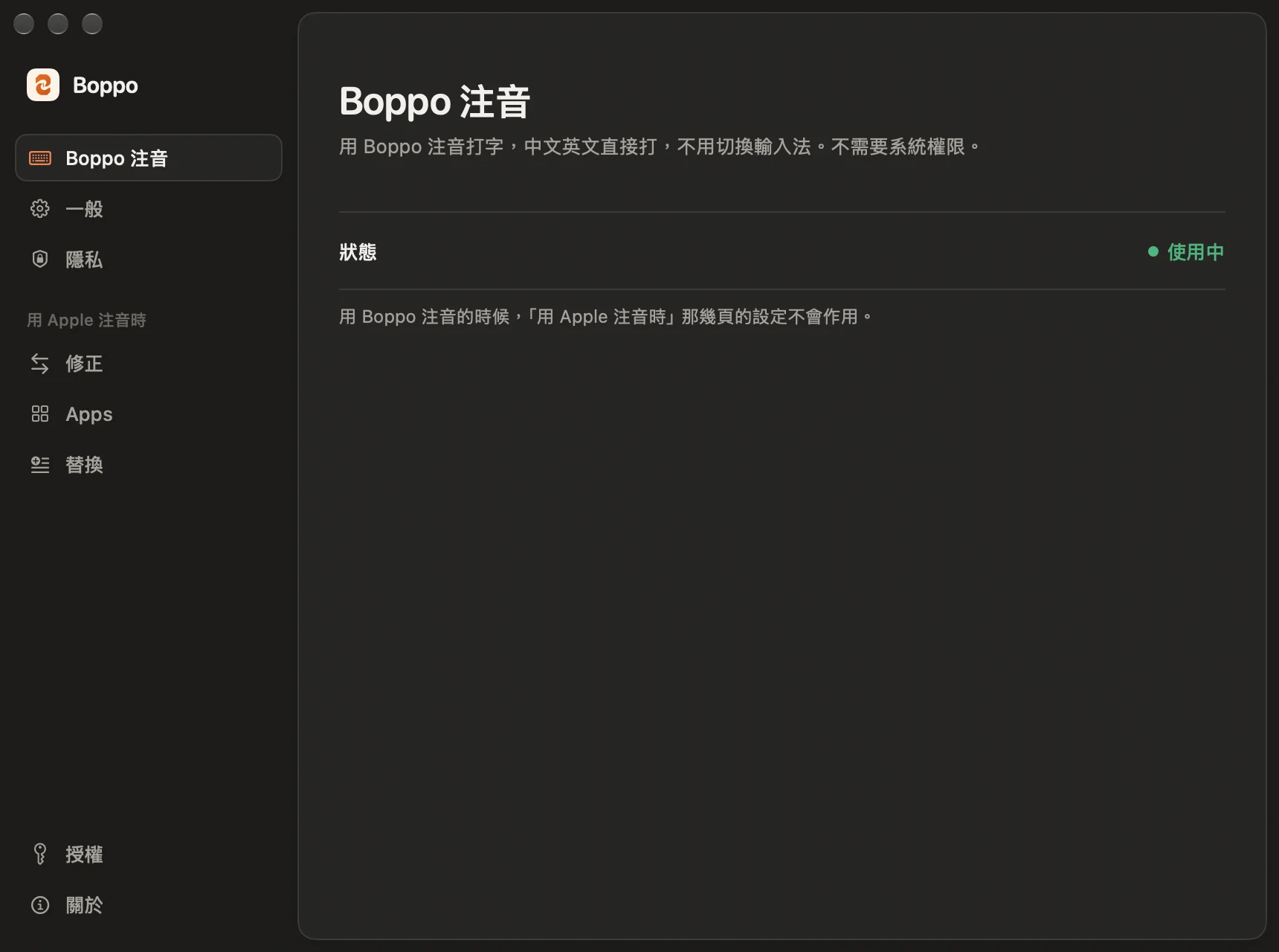
Boppo 注音 is Boppo's own input method, built on McBopomofo. Keys that spell Zhuyin become Chinese characters, and anything else comes out as English, exactly as you typed it. Keys that could still be either stay underlined until it's clear which.
Character selection and learning use McBopomofo's engine, so it remembers the characters you pick, even after a restart.
Why Boppo has its own input method
Boppo didn't start as an input method. It used to watch what you typed, and when it noticed you typing Zhuyin with English on, it switched the input method for you and turned that text back into Chinese.
That worked in most apps. But in apps built on web technology, like Claude and Slack, it kept going wrong: uncommitted Zhuyin got stuck, English landed in front of it, a whole phrase sometimes came out as letters, and pressing Enter to commit the Zhuyin could send the message along with it.
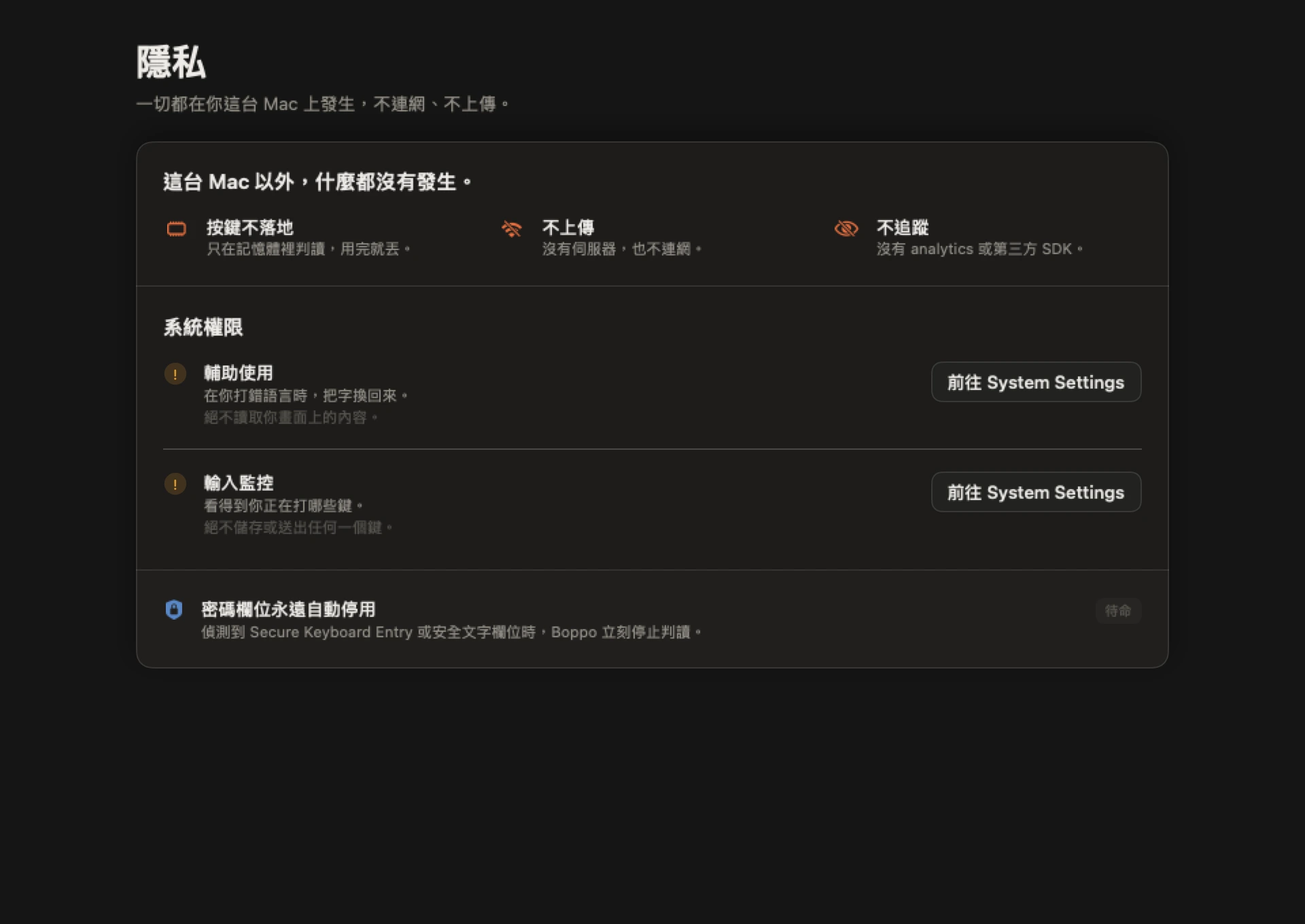
So as of 1.0, Boppo is its own input method. It never switches, so none of that happens, and it no longer needs Accessibility or Input Monitoring permissions.
What's different from Apple's Zhuyin
If the Zhuyin syllable isn't finished, Space types the first tone. If it is, Space is just a space. Press ↓ for candidates.
Mistyped a Zhuyin symbol? Type the right key over it. If you're typing 天 and hit ㄍ next door, press ㄊ. There's no need to delete first.
Types the symbol itself, like ㄏㄏ or ˊ, for things that aren't in the dictionary.
Clears the keys Boppo hasn't decided on yet. Characters you've already composed stay.
How often it gets it right
Tested on sample sentences for the 1.0 release:
Boppo is at its most accurate if you leave a space before and after English words. Where it still makes mistakes: first-tone Chinese right after an English word (like Netflix資), and a lone “up” or “u” at the start of a sentence.
Still on Apple's Zhuyin? That works too
If you aren't ready to switch input methods, Boppo still works alongside Apple's Zhuyin. If you type Zhuyin with English on, like ji394t au04, it turns it back into 我愛吃麵 in place.
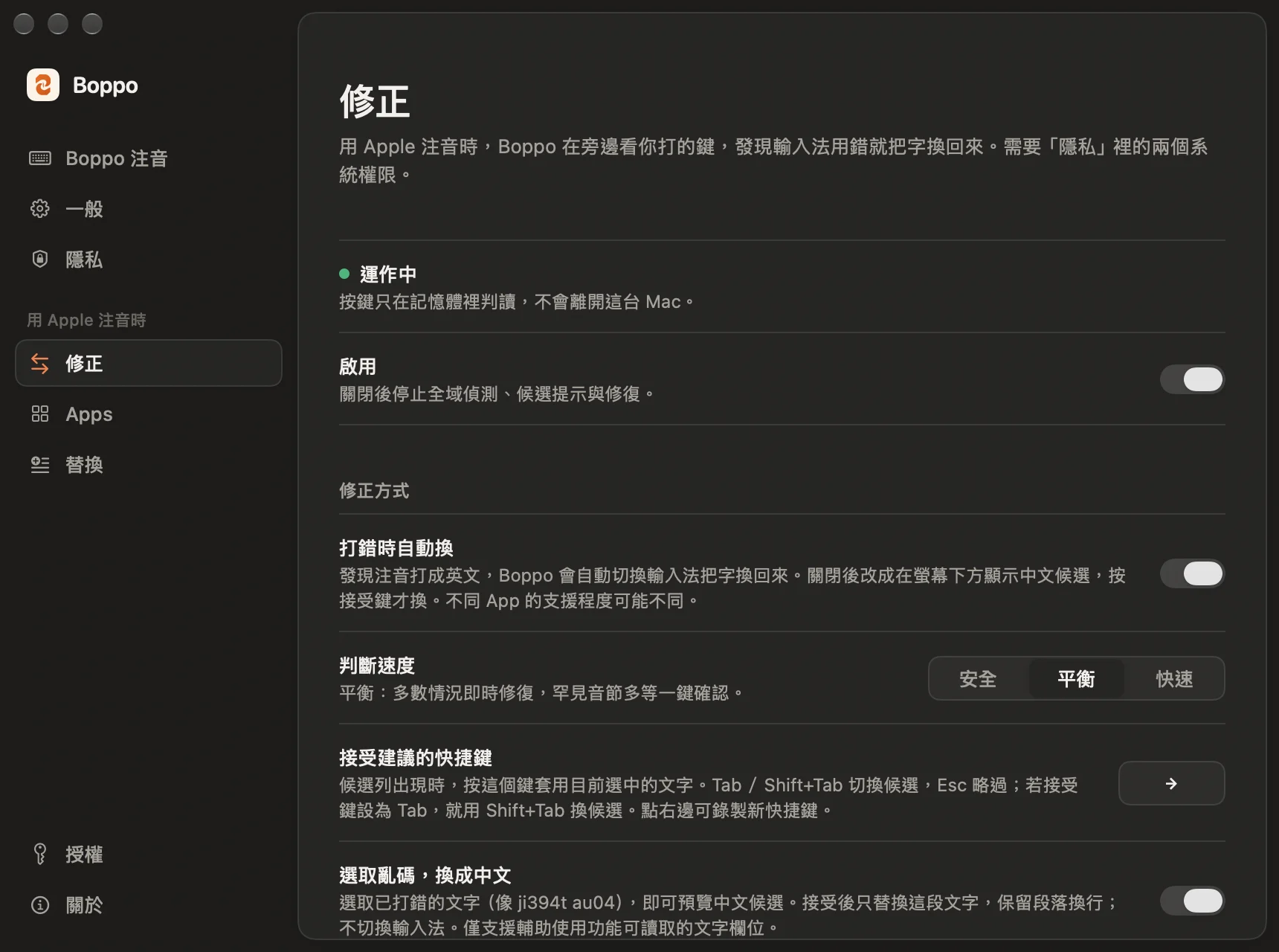
Preview first
Turn off automatic repair and it shows the Chinese at the bottom of the screen instead. Press → to replace it; ignore it and nothing changes.
Fix a selection
Select text typed as English, and Boppo offers the Chinese.
Per-app settings
Choose which apps prefer English, prefer Zhuyin, or are left alone. Terminal, Xcode, VS Code and similar apps are left alone by default.
Text replacements
For example, 台湾 becomes 臺灣.
This mode needs Accessibility and Input Monitoring permissions. When you switch to Boppo 注音, these features pause on their own.
Getting started
- 1
Download Boppo and paste in your licence key. Haven't bought one yet? You can try it free with Apple's Zhuyin for 300 fixes.
- 2
Boppo walks you through adding Boppo 注音 in System Settings. macOS doesn't let apps add input methods themselves, so you'll click through this step yourself. It takes about a minute.
- 3
Switch to Boppo 注音 with 🌐 or Control-Space and start typing.
Requires Apple Silicon (M1 or later) and macOS 14 or later. Boppo 注音 updates along with Boppo. What you type is processed on your Mac; the only things that connect to the internet are licence activation, the trial count, update checks, and downloading a list of English words that should never be converted.
Pricing
No subscription. Boppo 注音 needs a licence; with Apple's Zhuyin, the first 300 fixes are free.
- ✓Boppo 注音: type Chinese and English without switching
- ✓Apple's Zhuyin: mistyped Zhuyin turned back into Chinese, text replacements (台湾→臺灣)
- ✓One licence, two Macs
- ✓Developer ID signed + notarized
- ✓Sparkle auto-update
- ✓What you type stays on your Mac