Foldioby SZ

Apple's own folder icon, in the colour you actually wanted.
Open FoldioRuns in the browser. Nothing to install,
and nothing gets uploaded.
and nothing gets uploaded.
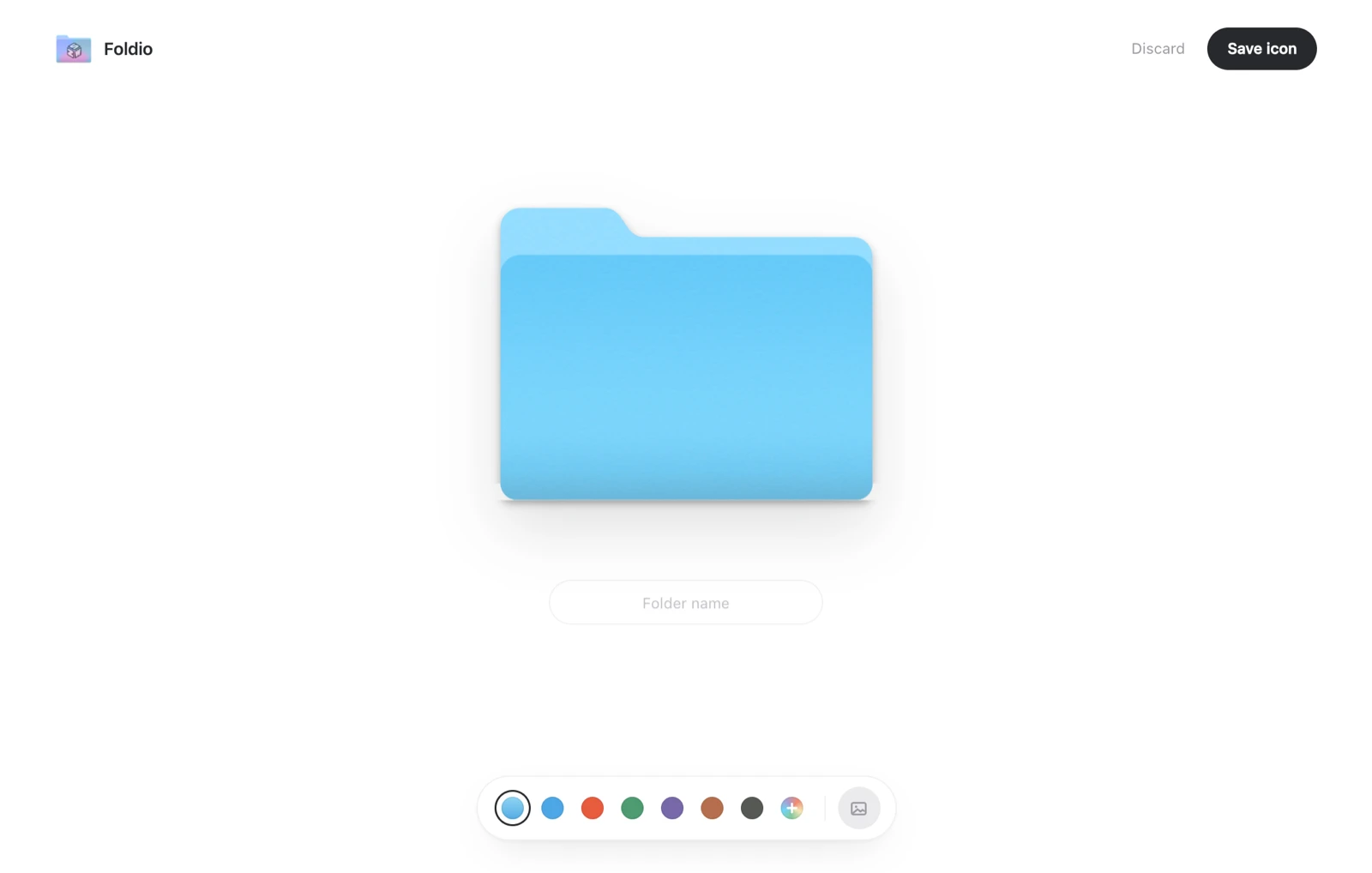
The whole editor. One folder, one field, one row of colours.
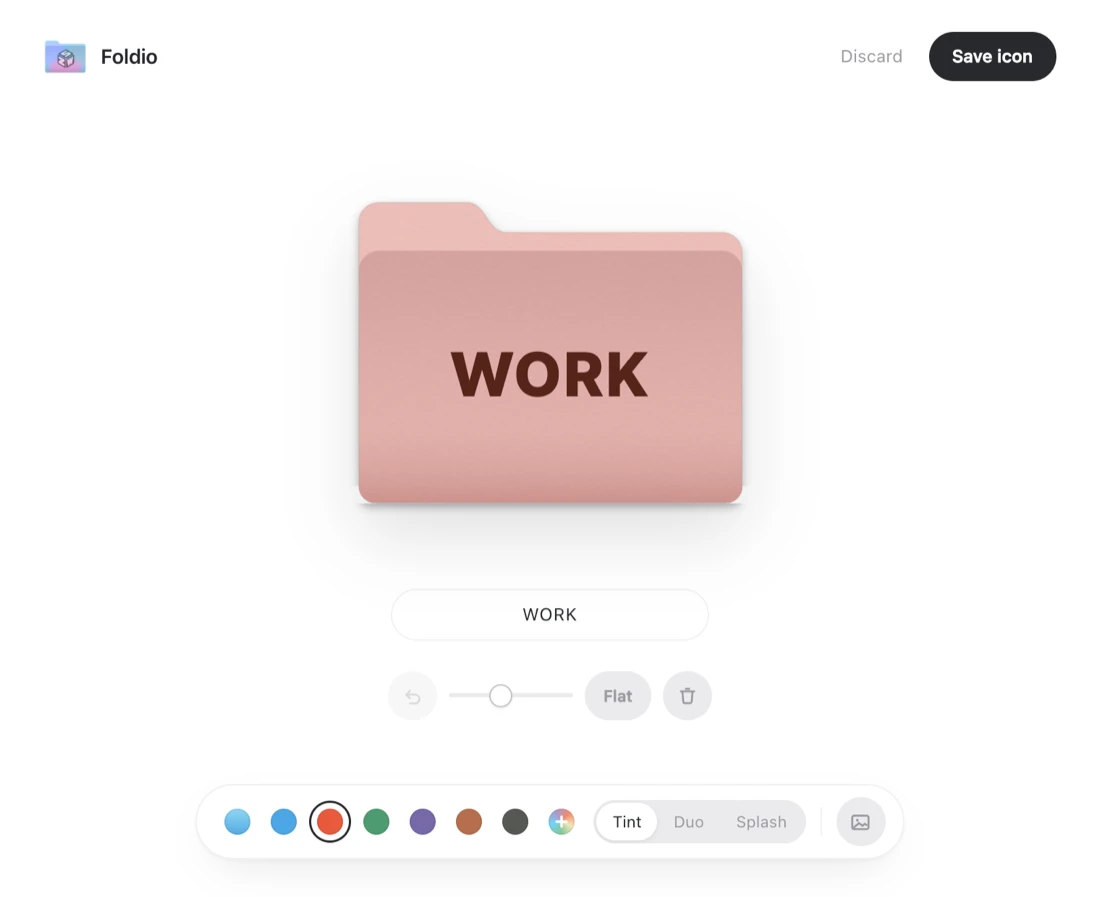
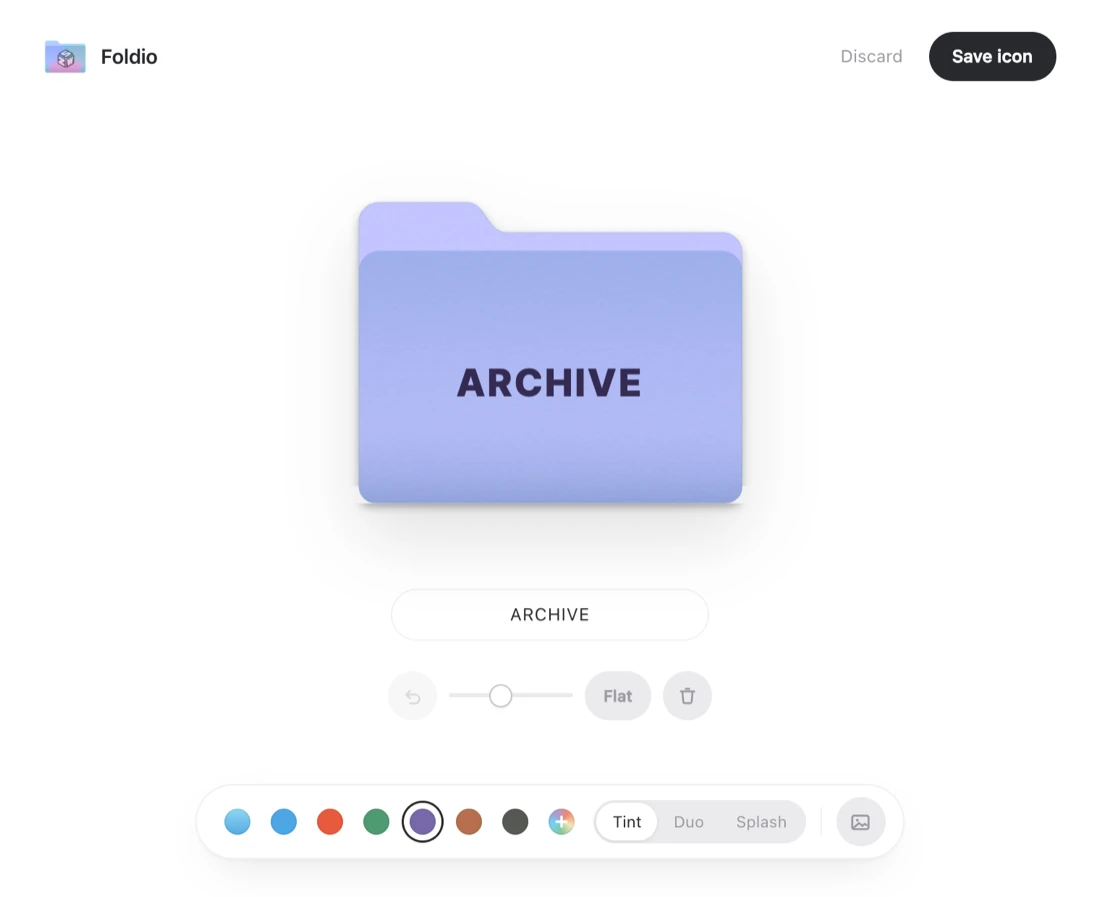
Same tool, two folders. Pick a colour and the fill and depth controls appear.
It starts from the real thing
The base is Apple's current Folder_512x512@2x.png, pulled off a Mac. Every colour and every word is layered over that real folder.
Nothing leaves the browser
The editor and the PNG export both run client-side. Artwork you drop in is never uploaded, because there is nowhere for it to be uploaded to.
Fills and surfaces
Tint, Duo and Splash fills, plus Emboss, Etch and Stitch surfaces. Add your own image too. Export is a 1024 × 1024 PNG.